Can’t Get an RTX 5090? Here’s What to Build Instead
The RTX 5090 is becoming increasingly difficult (and expensive) to get hold of. But that doesn’t mean your next GPU build needs to be put on hold. From NVIDIA’s RTX PRO Blackwell range to AMD alternatives and multi-GPU setups, there are plenty of ways to keep your project moving.


Your project can keep moving
UK prices for the RTX 5090 have passed £6,000 against £1,799 from a year ago, and now NVIDIA has stated it’s going end of life altogether. AI data centres are buying up the memory chips graphics cards use, and Nvidia is sending the 5090’s processor to its professional RTX PRO cards first (Tech Insider). Relief looks unlikely before mid 2027 (TechTimes). Strong alternatives are on sale today, and many suit professional work better.
Three questions that pick the right card
What will it run? AI, rendering, video and live graphics each stress a card differently.
How much memory does it need? Graphics memory (VRAM) is the card’s workbench. When the job overflows the bench, the card slows to a crawl or refuses to run it. The 5090 has 32GB, and for AI work memory size often matters more than speed.
Where will it live? A 5090 draws up to 575W. It sits happily in a tower under a desk and struggles in a warm rack.
Option 1: Step up to a pro card with more memory
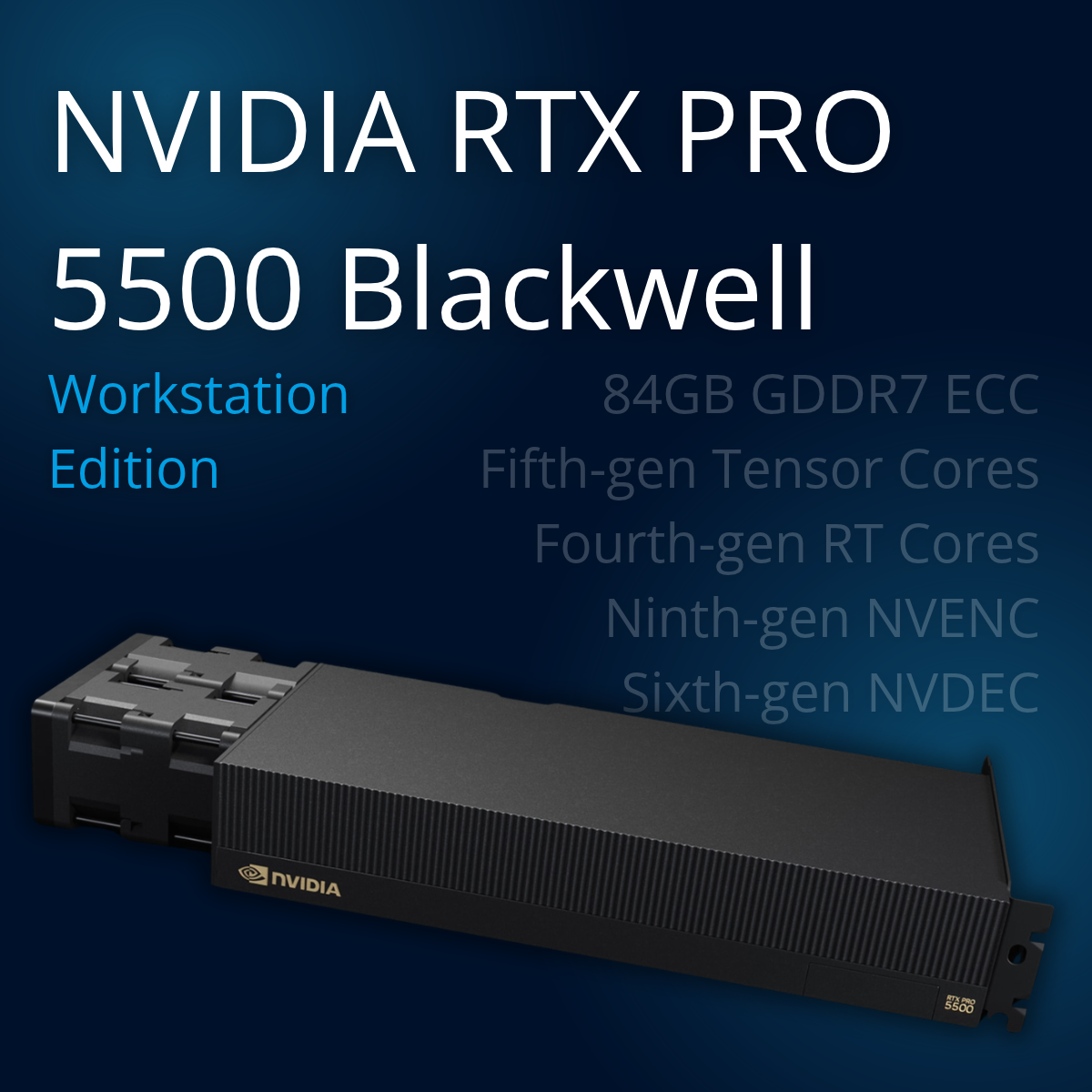
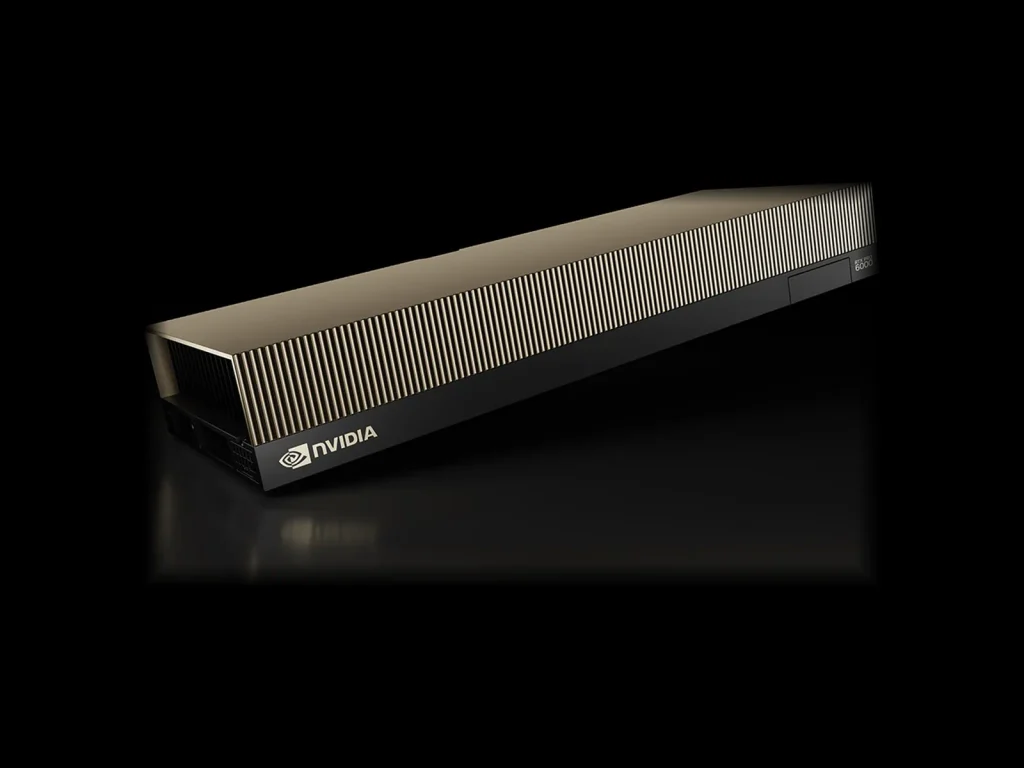
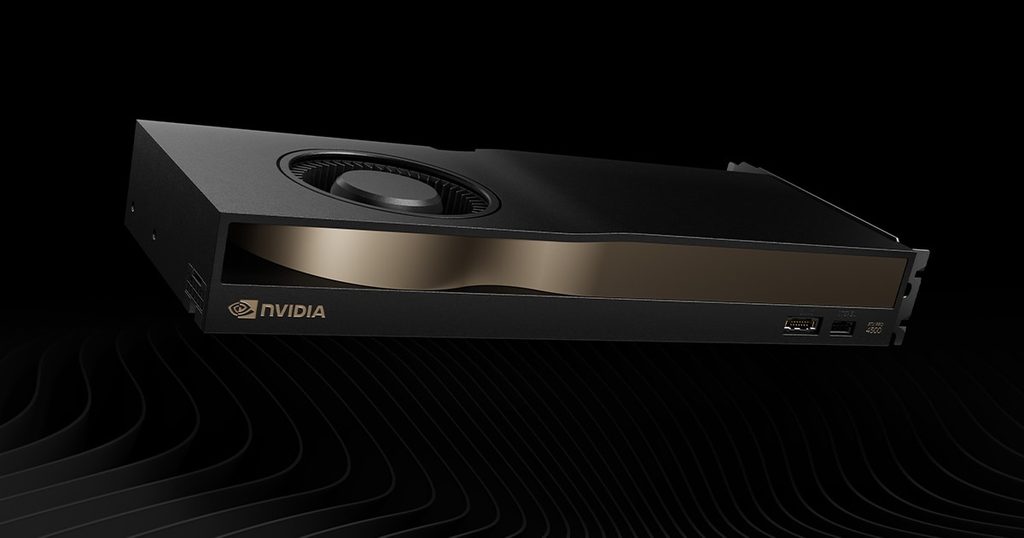
Nvidia’s RTX PRO Blackwell cards are where its supply is going. They cost more up front and are built for the work most professional buyers want a 5090 for. The RTX PRO 6000 (96GB) uses the same top chip with three times the memory, so large AI models run whole on one card. The RTX PRO 5000 (48GB or 72GB) has less raw power and far more memory at around 300W, so it finishes jobs too big for a 5090 (SpeedyDrone). The RTX PRO 4500 (32GB) matches the 5090’s memory at 200W, ideal for editing, grading and design. All three add error-correcting memory, certified drivers and, on most models, blower coolers that suit racks.
Option 2: Buy a card you can get hold of today
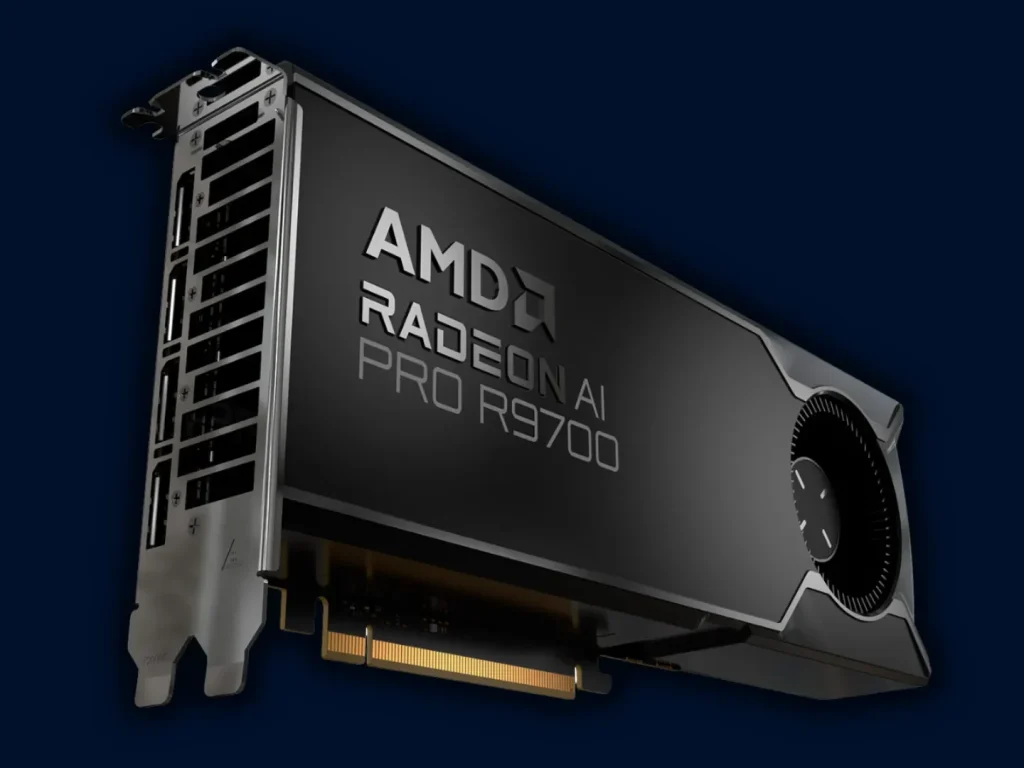
The RTX 5080 (16GB) is very fast for editing and real-time graphics, and far easier to buy, though large AI models need more memory. The AMD Radeon AI PRO R9700 (32GB) matches the 5090’s memory at 300W for well under half its street price (AI Indigo). Check your software supports AMD first, as most AI tools are built for Nvidia. For business systems that need a full warranty, we steer customers towards current cards over second-hand 4090s.
Should you wait for the RTX 5080 Super?
It is still a rumour, unconfirmed by Nvidia (Shattered). Leaks point to 24GB of memory, the same processor as today’s 5080, around 415W and an early 2027 launch (Club386). It has been tipped and pulled at least three times since 2025, held back by the same memory shortage. If it arrives, it makes a useful middle ground. Plan around it once it is on sale.
Option 3: Split the work across two smaller cards
I like to think of it as a render farm in a single box. Each card takes its share of the frames, and the job finishes together. Rendering, encoding and running several AI models all split neatly across cards. Two RTX PRO 4500s give 64GB at 400W combined, less power than one 5090. More cards need the right lanes, power and airflow, and in a rack, cooling decides everything, so the card and the chassis get chosen together.
The options side by side
| Card | Memory | Max power | Best for | Watch out for |
| RTX 5090 | 32GB | 575W | Peak speed in a desktop tower | Supply, price, heat in a rack |
| RTX PRO 6000 | 96GB | 600W (300W Max-Q) | Large AI models, huge scenes | Highest cost |
| RTX PRO 5000 | 48GB or 72GB | 300W | AI and rendering that need memory | Slower than a 5090 on raw speed |
| RTX PRO 4500 | 32GB | 200W | Editing, grading, design, multi-card builds | Low peak performance |
| RTX 5080 | 16GB | 360W | Editing and real-time graphics | Memory too small for big AI work |
| Radeon AI PRO R9700 | 32GB | 300W | Budget 32GB builds | Check software supports AMD |
Power figures are the manufacturers’ maximum board power.
Read our NVIDIA professional GPU comparison for more information on the PRO card line-up.
How G2 builds a system you can trust
A GPU purchase usually needs sign-off from the technical lead, finance and whoever runs the rack. A 5090 picked on headline speed can keep one of those people happy and hand the other two a problem. We start with the workload and explain the reasoning behind every part.
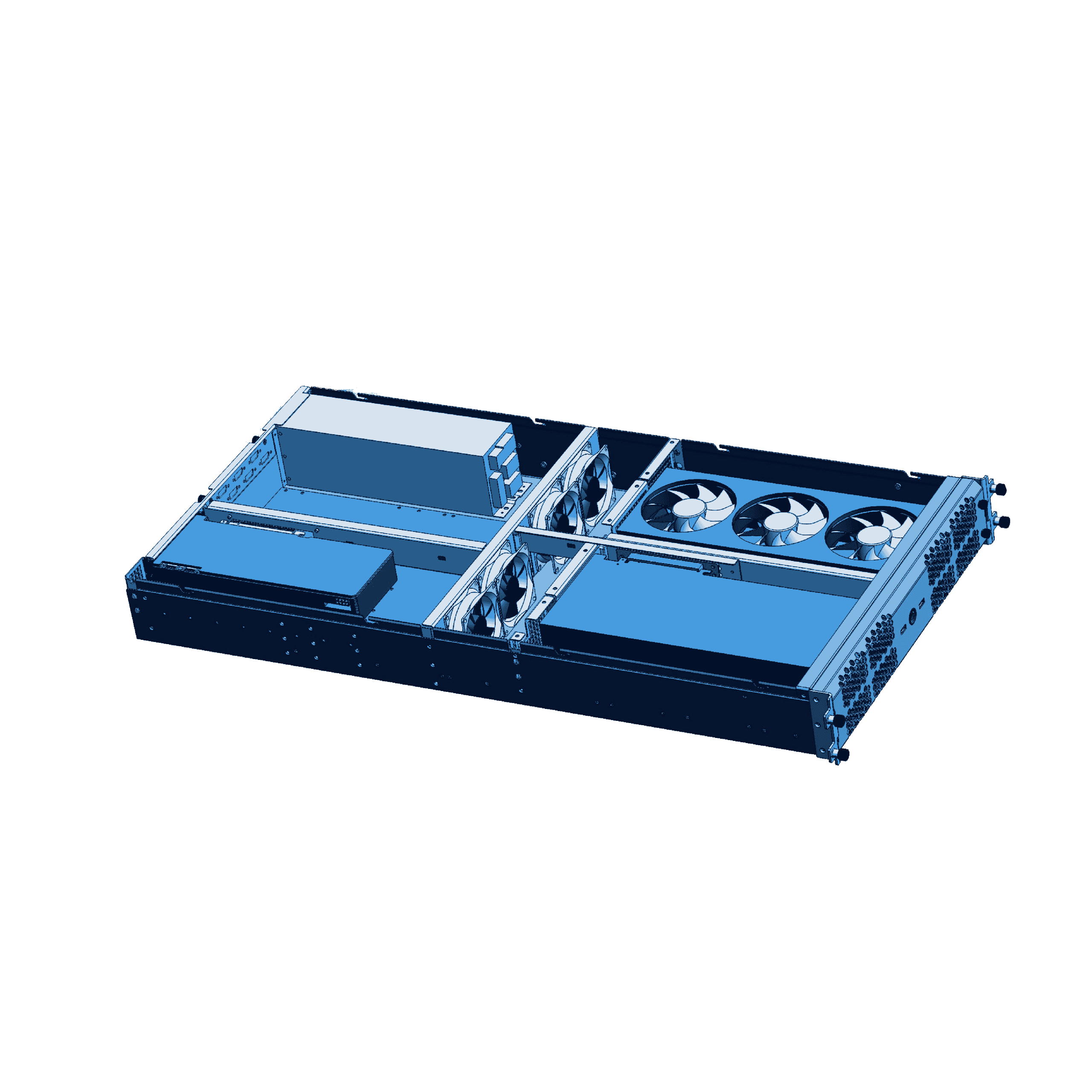
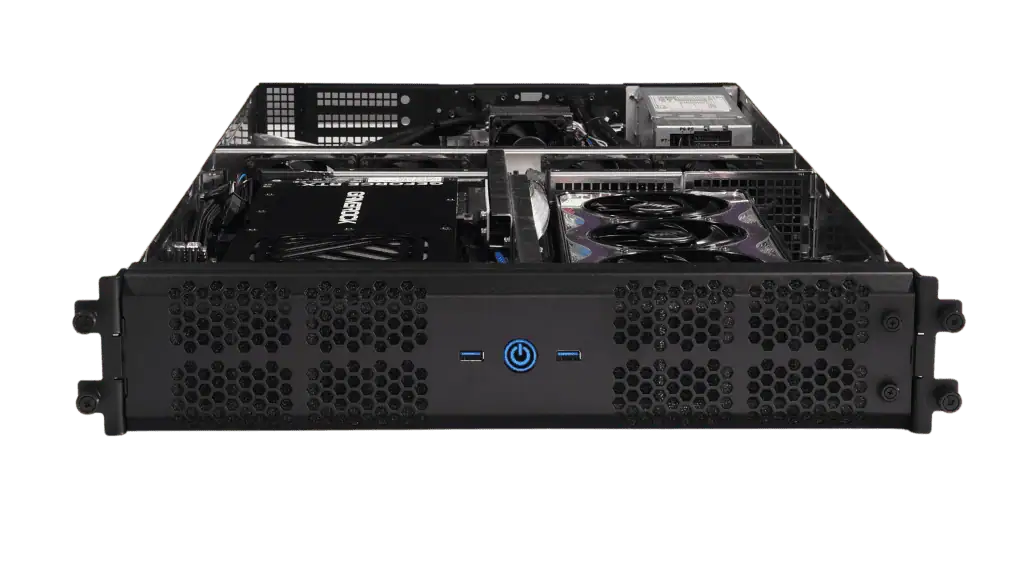
We design and build rackmount and workstation systems in Hampshire, and you talk directly to the engineers who build yours. Our 2U GPU server fits two RTX 5090s or four RTX PRO 6000s, so it can follow whichever cards supply allows. Every system carries a G2 warranty, and we will tell you plainly when the best answer is to wait.
Prove it on one system before you scale
Tell us what the system needs to do and we will spec one build around it. Run your real jobs on it, share the results, and roll out once the numbers back the choice.
Spec a single system first. Let the results make the case for the rest.
Sources
- Nvidia ends RTX 5090 output, shifts GB202 to RTX Pro, Tech Insider
- Nvidia RTX PRO Blackwell workstation GPU guide 2026, SpeedyDrone
- AMD Radeon AI PRO R9700 32GB, AI Indigo
 Need a quick answer right now? Chat with us live using the icon at the bottom right of your screen