Max’s Build: Part 2
After a few careful negotiations and a successful raid on the sample shelf, the replacement workstation starts to take shape. Every major component comes from existing stock or evaluation hardware, proving there’s still plenty of life left in the parts already on the shelf.


Negotiations and Raiding the Sample Shelf
If you’ve been following along since Part 1, you’ll know I’m on a mission to build my replacement workstation entirely from parts already in the building. No new purchases.
I may have perhaps underestimated that “in the building” and “mine for the taking” are not quite the same thing!
Step One: Convince the Humans
First stop was Chris, our director. I explained the plan to use parts from aging stock, sustainability angle, blog series, current machine is basically a relic.
“You can pretty much have anything you want.”
That was easier than expected. I’d prepared talking points.
Emboldened, I moved on to the real challenge: Jack, our Purchasing Manager. A man who tracks every component with the energy of someone who has been burned before.
“I’d like to take some parts from stock for a personal build.”
Silence.
“Chris said it was fine.”
More silence, with raised eyebrows.
Jack looked at me the way a librarian looks at someone who wants to borrow a rare manuscript to use as a coaster.
He came through. It was a process with lots of questions and a spreadsheet.
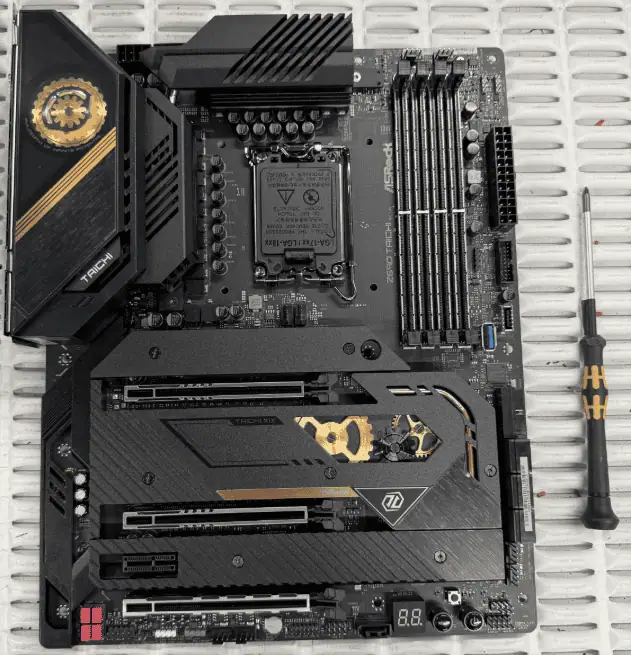
The Motherboard: ASRock Z690 Taichi
The Z690 Taichi was the backbone of our 2U through 4U rackmount builds from 2022, specified into systems for broadcast, production and demanding workloads. We moved on to newer platforms last year and retained remaining stock for RMA purposes, which made the case for borrowing one straightforward.
What makes this board well suited to a built-to-last project is its CPU compatibility window. The Z690 Taichi supports Intel 12th, 13th, and 14th generation processors on the LGA1700 socket. Three generations of headroom on a board released in 2022. The board carries enough longevity for today’s build and the next upgrade if one is ever needed.
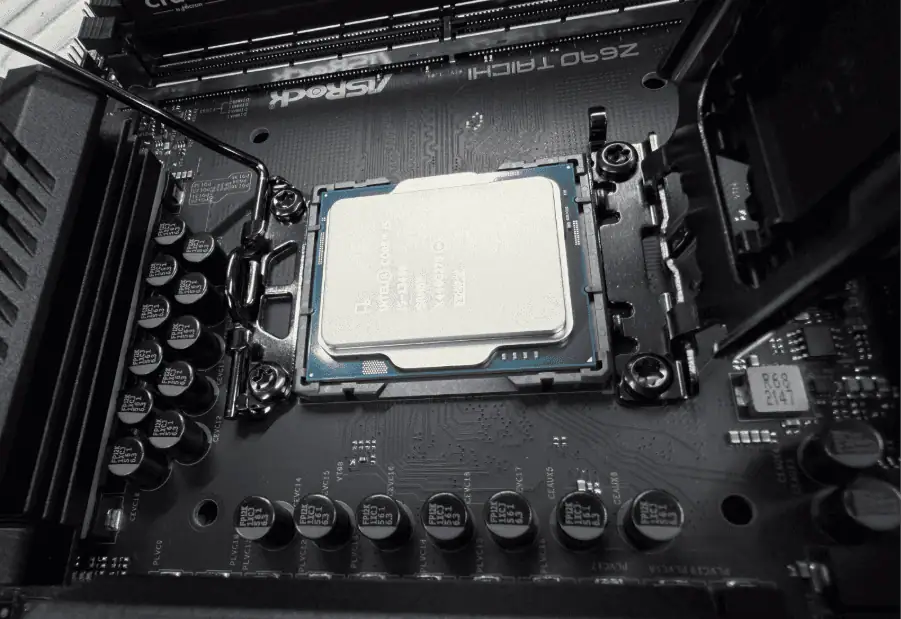
The CPU: Intel Core i5-13400
Choosing the processor was the most interesting decision.
Not tempted to pick the biggest number I chose the Intel Core i5-13400 which is 13th generation, 10 cores across six performance and four efficiency cores, 16 threads, base clock of 2.5GHz boosting to 4.6GHz on the P-cores. A very capable mid-range processor that handles everyday professional workloads with headroom to spare.
We’ve moved on to 14th gen and Intel Core Ultra in our current product line, which puts 13th gen parts in that slightly awkward position of not old enough to be retro and not new enough to be current. Perfect. All the performance, none of the premium.
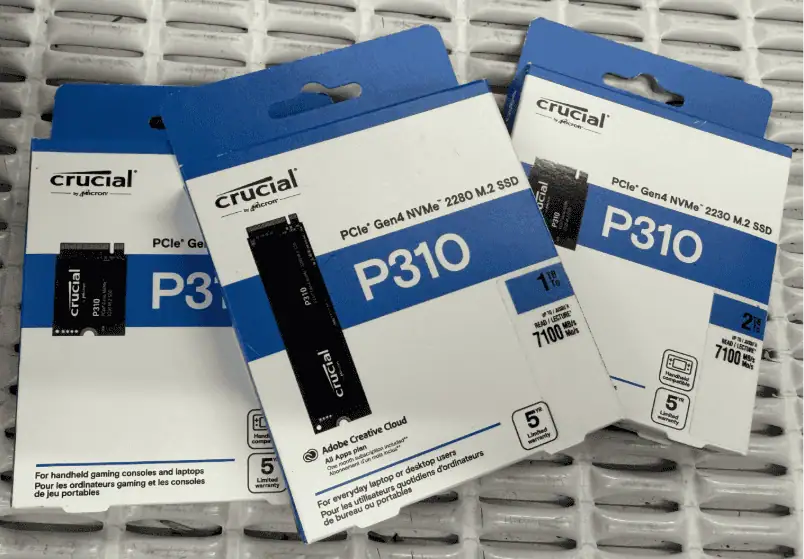
The Storage: Crucial P310 1TB NVMe PCIe Gen 4
This one arrived via Simms, who over the years have been generous enough to send us everything from Kingston RAM kits to Crucial SSDs to evaluate. The P310 range is one we now offer and several in our current storage lineup.
The Z690 Taichi has a full-length M.2 slot, so the 2280 form factor drops straight in without an adapter. 1TB covers Windows, a handful of VMs and whatever ISO collection has accumulated since the last build.
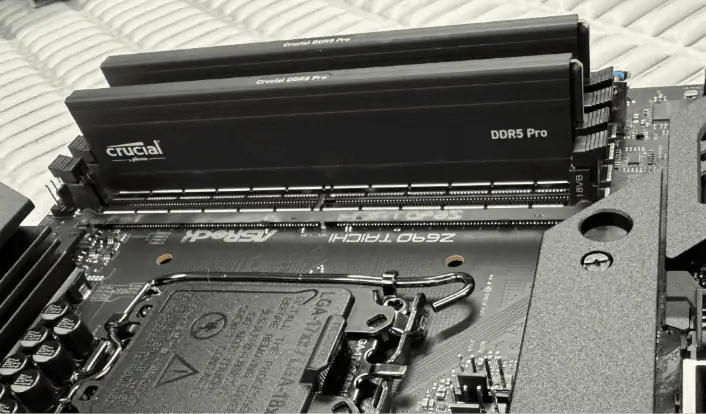
The RAM: Crucial PRO DDR5 5600MHz 2×16GB
RAM is, at the moment, a sensitive topic in our building. Demand is high, prices have been doing spiky things and the people managing stock allocation are watching levels closely. Asking for a full 32GB kit was an ambitious opening position.
Jack said yes. 32GB of Crucial PRO DDR5 at 5600MHz in a matched dual-channel kit.
Two or three virtual machines running simultaneously eats memory fast. Add local AI tooling into the mix, run a model locally and you can almost feel the RAM counter going up. 32GB will do the job.
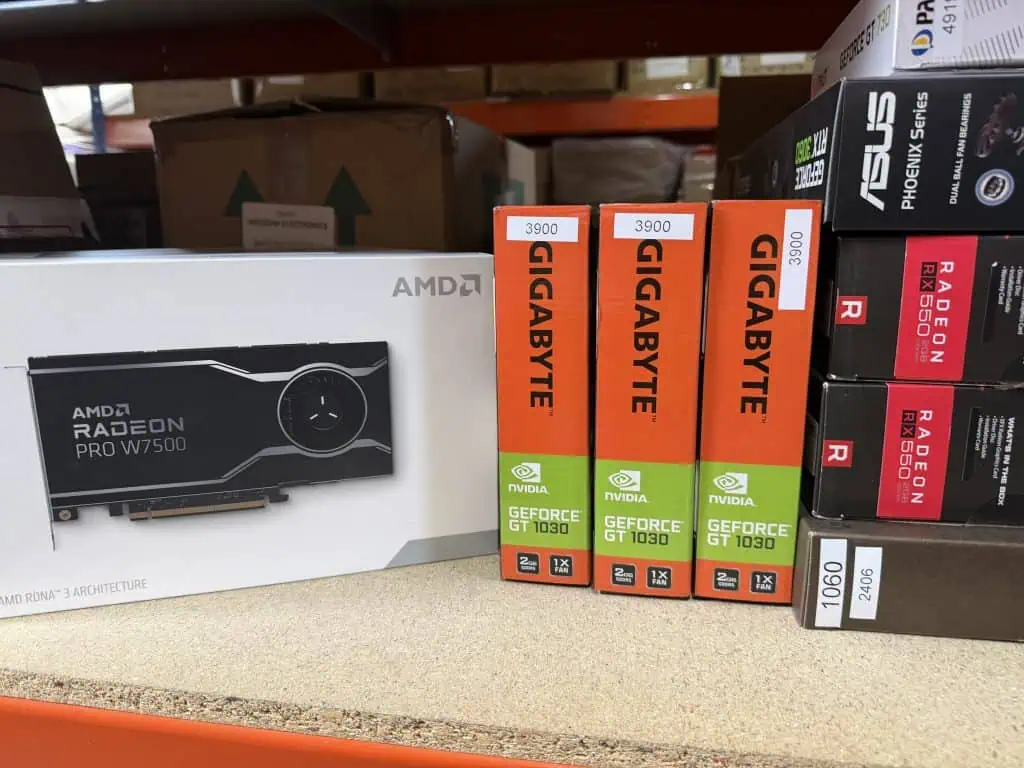
The Wildcard: AMD Radeon PRO W7500
Found on the sample shelf. AMD sent over their full W7XX workstation GPU series a while back for evaluation: the W7500, W7600, W7700, W7800, W7900. Professional-grade cards designed for CAD, visualisation, and workstation workloads. The W7500 is the entry point of that range: 8GB GDDR6, PCIe 4.0, four DisplayPort 2.1 outputs, single-slot low-profile form factor that fits into spaces most GPUs won’t.
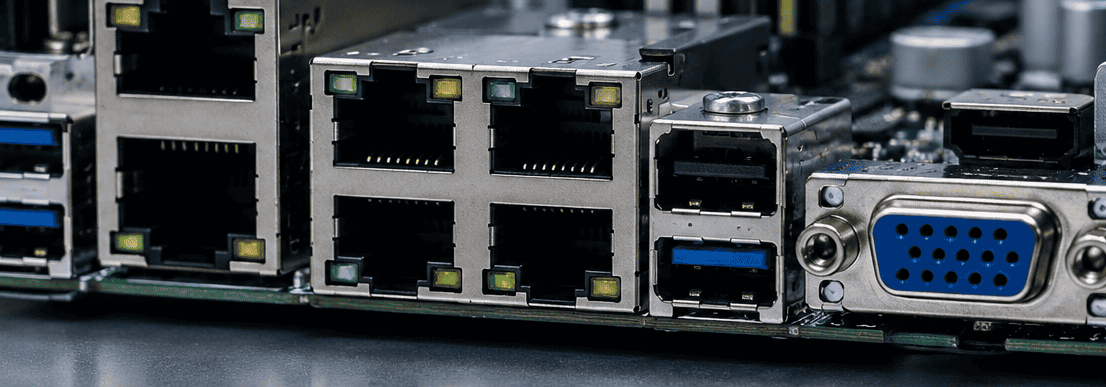
The integrated graphics on a 13th gen Intel processor handles everything this machine needs day to day. The limitation is the Taichi board, only one HDMI output.
Where Things Stand
Motherboard: ASRock Z690 Taichi
CPU: Intel Core i5-13400
RAM: Crucial PRO DDR5 5600MHz 2×16GB (32GB total)
GPU: AMD Radeon PRO W7500 (sample unit)
Storage: Crucial P310 1TB NVMe PCIe Gen 4 (2280) – via Simms
The stockroom has been good to us. The purchasing department has been even better. Next up: finding a chassis that doesn’t need too much persuasion to be reusable and working out what cooling situation we’re walking into.
 Need a quick answer right now? Chat with us live using the icon at the bottom right of your screen